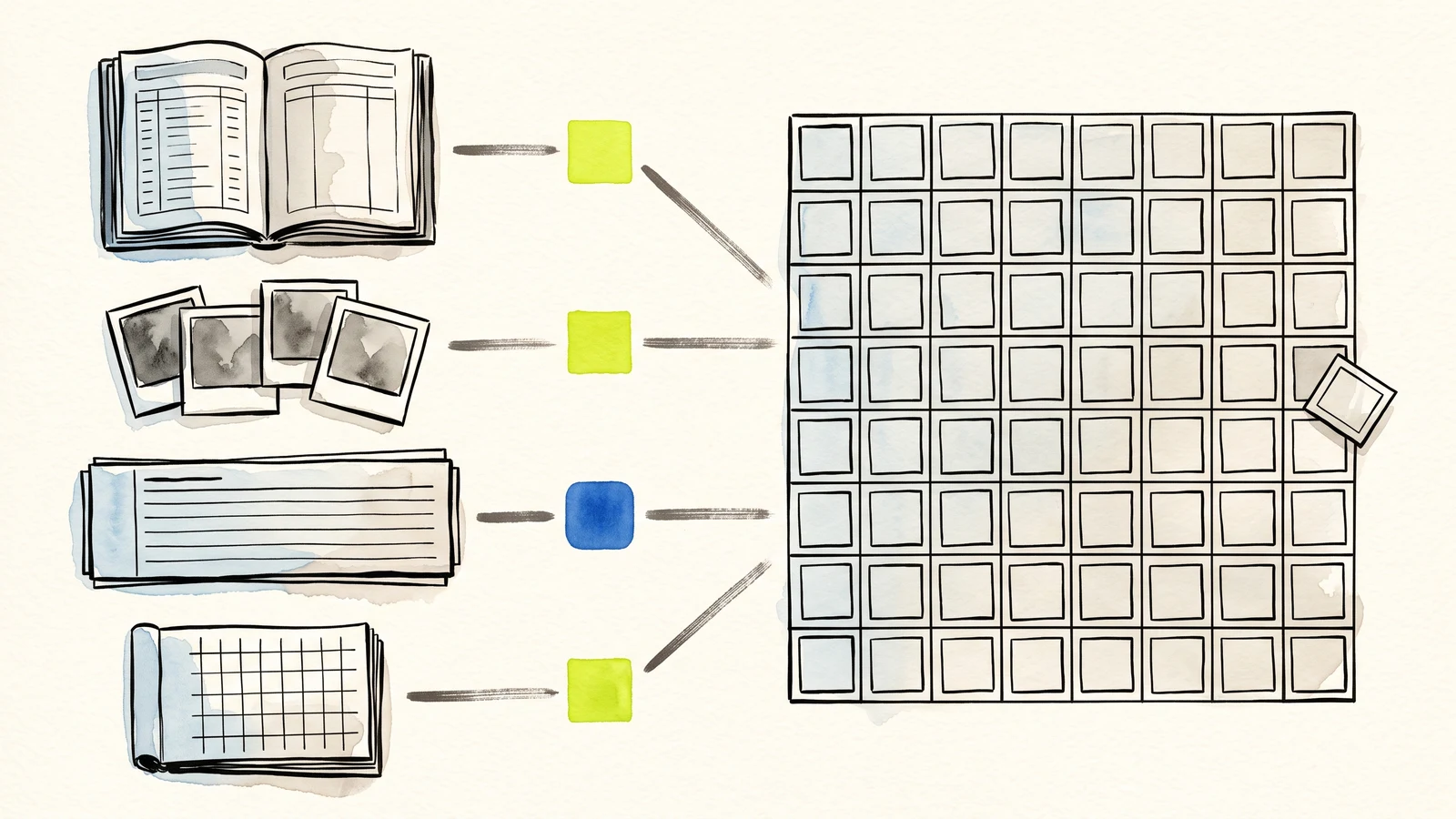
A pattern that travels well
Every strong use case begins with a repeated public request and a clear owner.
Sheets holds the working list; Gmail, Drive, Docs, and PDFs add context when needed.
The best first workflow removes manual copying without creating a heavier system.
Schools, classes, and workshops
Education workflows often need light structure but strong continuity. A teacher may need registrations for a weekend class, guardian notes for a student activity, attendance check-ins, consent responses, project submissions, or feedback after a workshop. These are not always complex enough for a full learning platform, but they still need records.
Webtzm helps by turning each submission into a Google row with the fields the organizer expects. For a class, that might be name, email, session, attendance status, note, and timestamp. For a workshop, it might include dietary notes, accessibility requests, preferred date, and follow-up status. If the form accepts files, the upload can be kept in Drive while the Sheet keeps the reference and context.
The value is not only storage. The value is follow-up. The organizer can filter by session, sort by missing consent, send replies from Gmail, and ask an AI assistant to summarize attendance patterns or draft reminder messages. The workflow stays understandable for nontechnical users because the main record remains in Google Workspace.
Creators, portfolios, and public inquiry forms
Creators often use beautifully designed portfolio pages, but the inquiry workflow behind the page is usually fragile. A commission form, speaking request, collaboration request, media kit download, or client inquiry needs enough structure to separate serious leads from vague messages.
With Webtzm, the public form can collect project type, budget range, deadline, reference links, contact details, and a message. The Webtzm delivery can send the response into Sheets for tracking and Gmail for reply. If the request includes a file or reference image, the file can land in Drive while the row keeps the submitter and project context visible.
This makes the creator's next action easier. They can sort requests by deadline, prioritize high-fit inquiries, track who has received a quote, and keep a record of past opportunities. If they use an AI assistant, the assistant can draft polite replies, summarize common request types, or help prepare a weekly pipeline review from clean rows.
The strongest first use case is rarely the most ambitious one. It is the form people already process by hand every week.
Webtzm field note
Clubs, communities, and volunteer coordination
Clubs and community groups often run on shared spreadsheets, personal inboxes, and a lot of manual coordination. Webtzm can make this lighter by giving each campaign or recurring need a structured intake form. Volunteer sign-ups, event preferences, meal orders, donation notes, public feedback, file submissions, and support requests can all become organized Google records.
A volunteer form might collect availability, preferred role, skill level, phone number, and required document upload. A meal order form might collect pickup time, quantity, dietary note, and payment reference. A community feedback form might collect topic, location, urgency, and a message. Each workflow can use the same Webtzm delivery idea but send the output to the Google destination that makes sense.
The benefit for coordinators is faster comparison. They can group volunteers by availability, count orders by pickup window, review files in Drive, and use Gmail copies to confirm next steps. When the group grows, the process does not depend on one person remembering where every message landed.
Small teams and service providers
Small teams often need public intake before they are ready for a full customer system. A service provider may need quote requests, maintenance reports, appointment requests, onboarding details, proof photos, or feedback forms. The owner wants a clear record, but they may not want to build custom software.
Webtzm lets the team start with a lightweight form and a Google Sheet. Fields can include request type, priority, contact, location, description, and attachment. Gmail copies support direct response, while Docs or PDFs can preserve a complete request record for internal review. JSON export can support later analysis when the workflow becomes more mature.
This is especially useful for teams that already operate in Google Workspace. They can add columns for status, owner, next action, quote sent, or resolved date. The form becomes the front door, and the Sheet becomes the working list.
How to choose the first Webtzm use case
Start with the form that causes the most manual copying. If someone regularly moves messages from a website into a spreadsheet, forwards details to another person, downloads files into folders, or rewrites the same reply, that workflow is a strong candidate.
Keep the first version direct. Ask only for fields that are useful for review. Choose Sheets and Gmail first when the workflow needs tracking and reply. Add Docs, PDFs, JSON, and Drive uploads when the submission needs a longer record, a file trail, or structured analysis. The best Webtzm use case is not the most complicated one; it is the one your team can run every week with less friction.
The same kind of message or registration arrives often enough to deserve a standard route.
Someone regularly moves details from email or chat into a shared Google file.
More than one person needs to see status, ownership, or the next action.
If nobody uses an answer after submission, remove the field before launch.
Turn one recurring request into a workflow your team can trust.
Start with the form that creates the most copying, forwarding, or uncertainty. Keep the first Google destination simple.
Create a Webtzm delivery →Frequently asked questions
Which form should a small team build first?
The one that arrives repeatedly and is currently handled by email. A repeating request is where consistent fields and a shared destination pay for themselves immediately.
How is this different from using Google Forms?
Google Forms owns the page your visitor sees. Here the form lives on your own site, styled however you like, and only the delivery is managed - which matters when the form sits on a landing page or inside an existing design.
Can several people work from the same submissions?
Yes. Submissions land in a Google file you already share with your team, so access follows the sharing rules you have set rather than a separate set of accounts.
What should a registration form actually ask for?
Only the fields someone will act on: who is attending, how to reach them, which session, and anything that changes what you must prepare. Extra questions lower completion and are rarely read afterwards.