
What you will take away
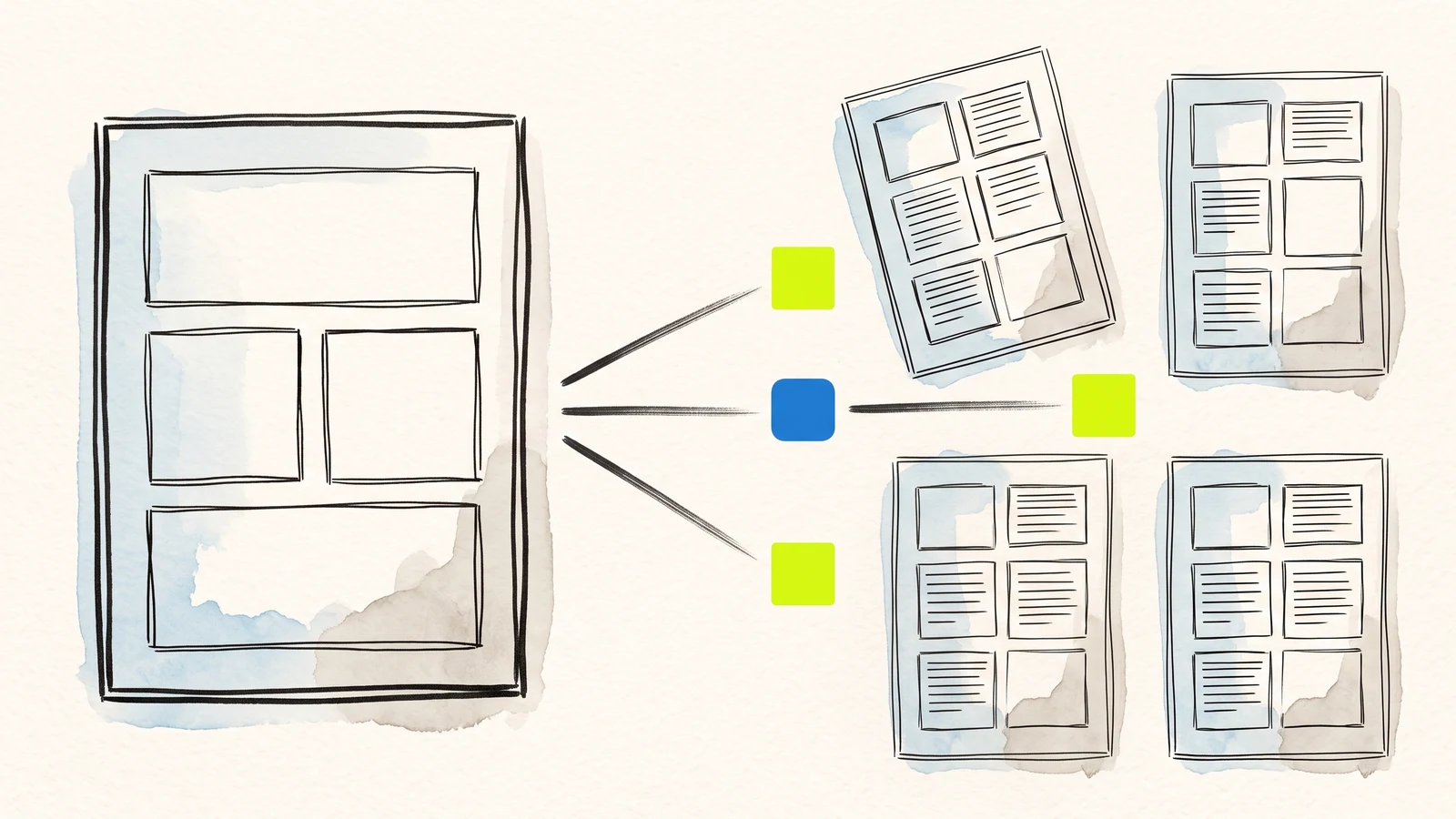
A merge is a copy of a template with its placeholders swapped for values. That is all it is, and its limits follow from that.
A placeholder that stops filling has almost always been broken by the editor, not by the merge.
A merge cannot branch, loop, or calculate. When you need those, a script is the honest answer.
Filling a Google Doc template from form responses
A template merge takes one Google Doc containing placeholders, copies it once per response, and replaces each placeholder with the value that response supplied. Webtzm creates the template for you when you choose the Doc or PDF output, writes it into the workflow's Drive folder, and runs that copy-and-replace on every accepted submission.
The mechanics are simple enough to describe in a sentence, which is why this page spends its length on the two things that actually cost people time: why a placeholder stops working, and where a merge runs out of road.
What a placeholder is
A placeholder is a field's key wrapped in double braces. A field named email appears in the template as {{email}}. The convention is not ours — Zapier, Autocrat and most Apps Script recipes use the same braces, so a template you already have will usually work with minimal editing.
Four values are available on every workflow regardless of your fields:
{{webtzm_id}}— the submission reference. This is the handle that ties the document to the same submission everywhere else it appears, and it is the one to keep if the record will ever be looked up again.{{accepted_at}}— when the submission was taken.{{synced_at}}— when this document was written. Usually seconds later, occasionally not, and the gap is the honest record of a retry.{{webtzm_timezone}}— the timezone those two timestamps are expressed in.
The starting template lists every field as a label followed by its placeholder. That is a scaffold, not a design. Open it and rewrite it: set the typeface, put a logo in the header, write the fixed prose, and move each placeholder to where the value belongs in a real document. A placeholder can appear more than once if you need the same value twice, and one you delete is simply not filled.
Add a field to the form later and its placeholder is appended to the end of the template rather than inserted into your layout, so nothing you arranged is rearranged behind your back. You move it where it belongs.
Why a placeholder stops filling
This is the single most common problem with any template merge, on any tool, and the cause is nearly always the same: the placeholder is no longer literally the text you think it is.
The replacement matches an exact run of characters. Google Docs is a word processor and does a word processor's job on your behalf, which here works against you:
Autocorrect changes the braces or the punctuation. Typing quickly can leave you with smart quotes or an en dash inside what looks like a normal placeholder.
Pasting splits the text into runs. If half the placeholder carries one piece of formatting and half carries another — a stray bold, a leftover font from wherever you copied it — the document contains two fragments rather than one string, and the merge finds neither.
A spellcheck correction eats a character. Field keys are not words, so they attract corrections.
The fix is always the same and takes ten seconds: delete the whole placeholder including both braces, and retype it in one go without pasting. If you want to be sure before you rely on it, use Docs' own find on the exact string — if find cannot see {{email}}, neither can the merge.
It is worth checking a template with a real submission rather than assuming. A merge that silently leaves {{phone}} sitting in a document you send to a customer is a worse failure than one that errors.
Attachments and images
If the form has a file field and someone attaches a JPEG, PNG or GIF, the image is placed into the document at that field's placeholder rather than left as a link. For an inspection report, a damage claim or a portfolio submission the picture is the evidence, and having it inside the record is the difference between a document and a set of instructions for assembling one.
Files that are not images behave differently and sensibly: the file goes to the workflow's Drive folder and the document carries a link to it. A merge cannot embed a PDF into a Doc, and pretending otherwise would produce a broken document rather than an honest link.
Where a merge runs out of road
A merge substitutes text. It does not evaluate anything. Three things people reasonably expect are therefore not possible, and it is better to know now than to discover it against a deadline.
No conditionals. You cannot show a paragraph only when a checkbox was ticked. The paragraph is in the template for everyone or for nobody. The usual workaround is two workflows with two templates, which is honest but doubles what you maintain.
No repetition. A submission with a variable number of line items cannot expand into a variable number of table rows. A merge has one slot per placeholder.
No calculation. Quantity times price is not something a merge can produce. If a total has to appear in the document, the total has to arrive as a submitted field, which usually means computing it on your page before the form is sent.
These are the boundary of the technique rather than a gap in one product, and every brace-and-substitute merge shares them.
Honestly, against the alternatives
Apps Script is the most capable option and it is free. A script can branch, loop, calculate, read a second sheet, and assemble a document that no merge could express. What you take on is a deployment, a trigger, and failures that arrive as an email to whoever wrote it — which, a year later, is often nobody. Choose it when the document genuinely needs logic, and choose it with your eyes open about who maintains it.
Autocrat is the best-known Google Forms answer and it is good at what it does, including conditional runs that a plain merge cannot manage. It works from a sheet fed by Google Forms, so it inherits Google Forms — including the sign-in that a file upload question forces on every respondent.
Zapier is the right answer if the merge is one step in a chain that also touches three other systems. It costs per task and adds a hop that can fail on its own, which is a fair trade when you are genuinely orchestrating and poor value when you are not.
This route fits a narrower case: the form is on your own site in your own markup, the people filling it in may not have a Google account, and the finished document belongs in a Drive folder you own. If your responses already arrive through Google Forms, you are better served by the tools built on top of it.
One structural point that applies whichever you pick: a workflow here delivers one Google output. Choosing the Doc means this workflow produces documents, not documents and a spreadsheet row. Decide by what the next person actually does with it.
Design the document once, then stop retyping it.
Take the template you currently fill in by hand and let the next response fill it instead.
Build your first Webtzm delivery →Frequently asked questions
What does a placeholder look like?
The field key wrapped in double braces, so a field named email appears in the template as that key inside braces. The convention is shared with Zapier, Autocrat and most Apps Script recipes, so an existing template usually needs little editing.
Why has one of my placeholders stopped filling?
Almost always because it is no longer literally the text you think it is. Docs can autocorrect the punctuation or split a pasted placeholder across two pieces of formatting. Delete the whole thing including both braces and retype it in one go.
Can a merge show a section only when a box was ticked?
No. A merge substitutes text and does not evaluate anything, so a paragraph is in the template for everyone or for nobody. Conditional sections are a job for Apps Script or an add-on that supports them.
Can it produce a variable number of rows?
No. There is one slot per placeholder, so a submission with a varying number of line items cannot expand into a varying number of table rows.
Can it calculate a total?
No. If a total has to appear in the document it has to arrive as a submitted field, which usually means calculating it on your page before the form is sent.
What happens to an attached photograph?
An image is placed into the document at that field's placeholder rather than left as a link. A file that is not an image goes to the workflow's Drive folder and the document carries a link to it.