Removing Google Forms branding from your website: you cannot, so do this instead
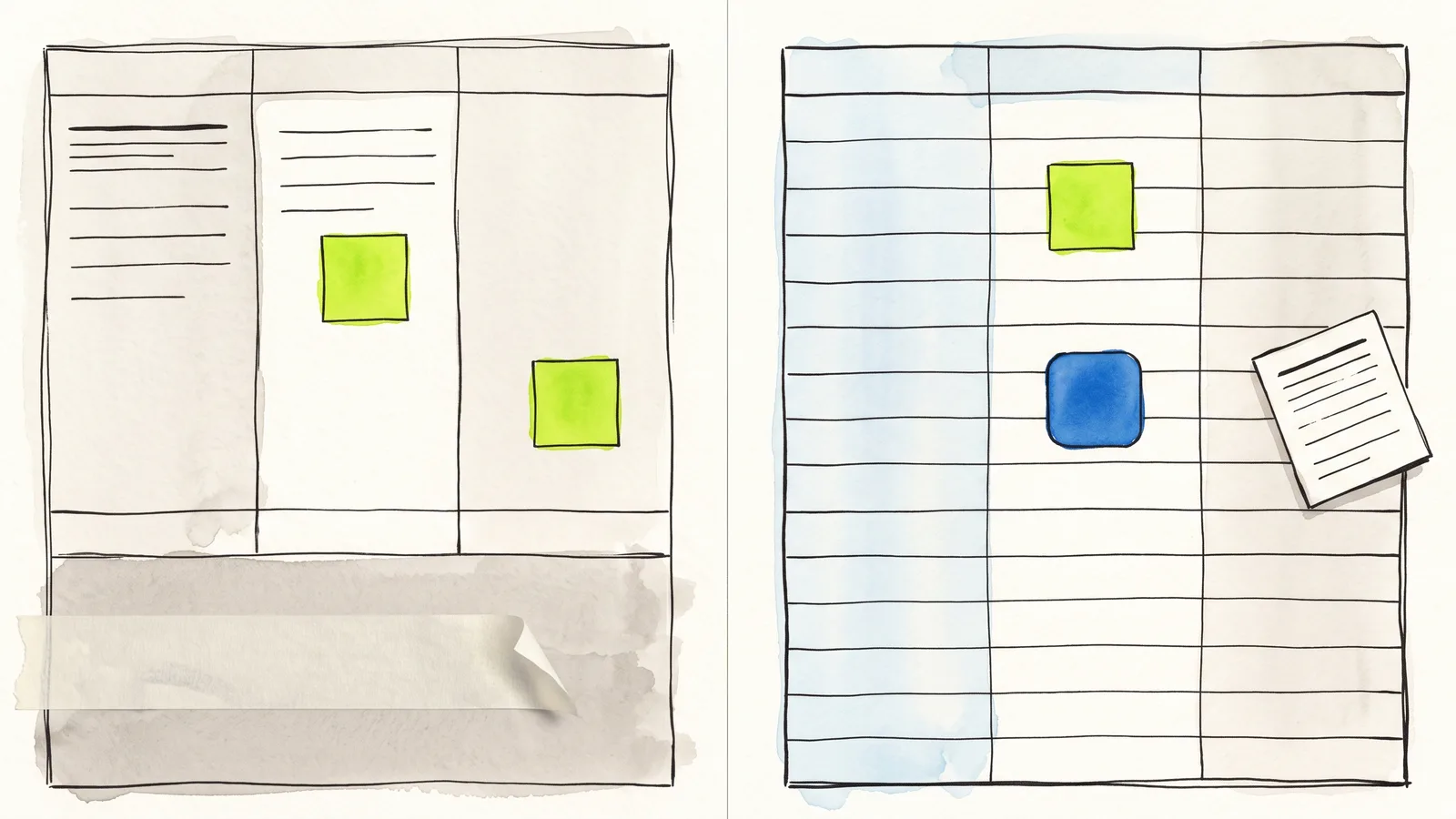
There is no setting, and cropping the embed breaks Google's terms. The lasting fix is to stop showing a Google Form and keep the Google Sheet behind your own.

Guides from the team that builds Webtzm, reviewed before they are published.


There is no setting, and cropping the embed breaks Google's terms. The lasting fix is to stop showing a Google Form and keep the Google Sheet behind your own.


Sign-in for uploads, Google's footer, a theme panel instead of a stylesheet, and file rules inside the owner's Drive. Each one sourced, and the stale claims corrected.

Most alternatives replace Google Forms with another builder and move your responses out of Google. This one keeps the form on your page and the file in your Drive.

An email output is the delivery, not an alert about one. It arrives complete, from your own address, and hitting reply writes to the customer.

Applicants abandon forms that ask them to sign in first. This is the whole build, on your own careers page, with the CV landing in your own Drive.

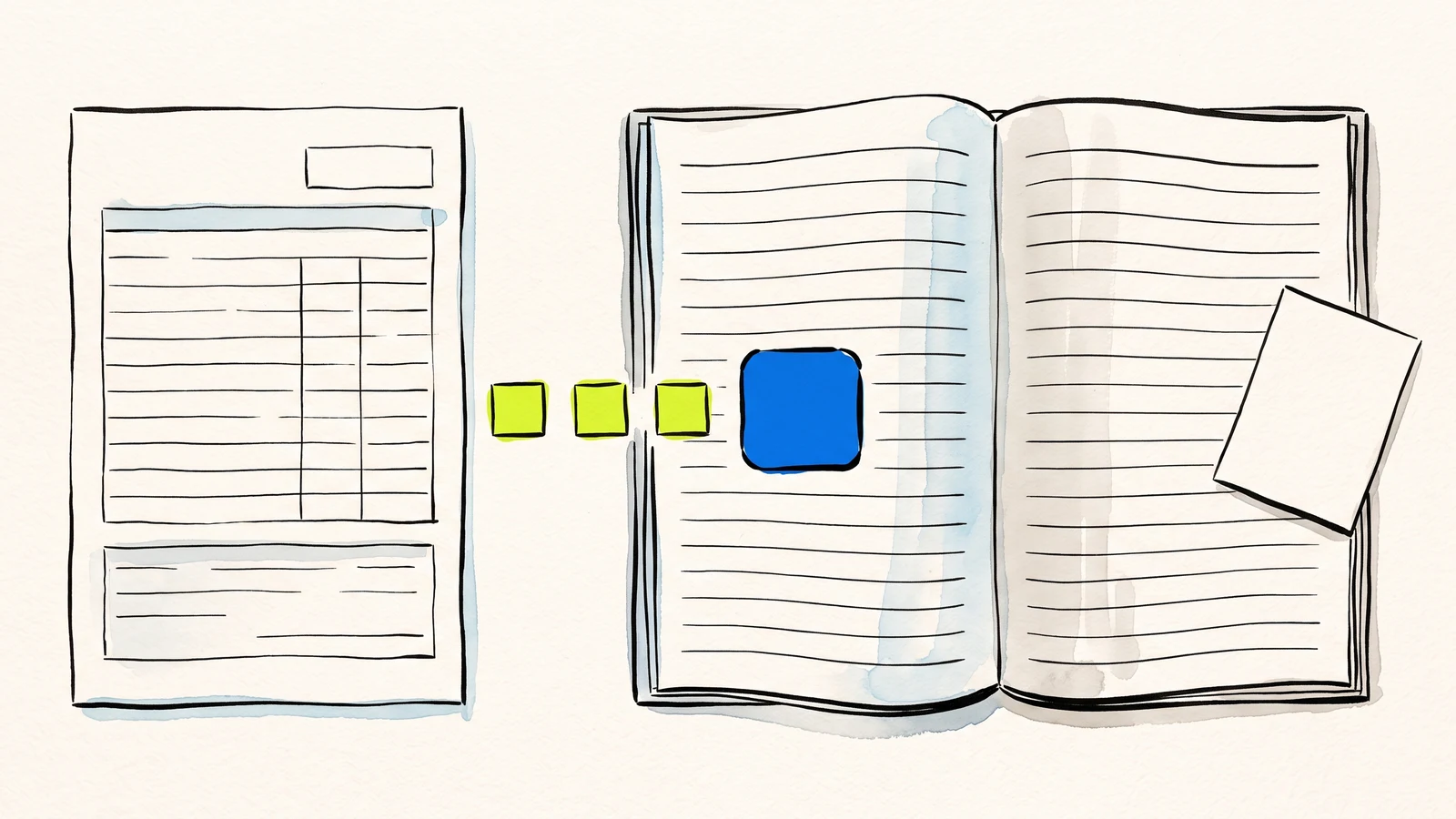
A merge copies a template and swaps its placeholders for values. Its limits follow from that, and knowing them beforehand saves a bad afternoon.

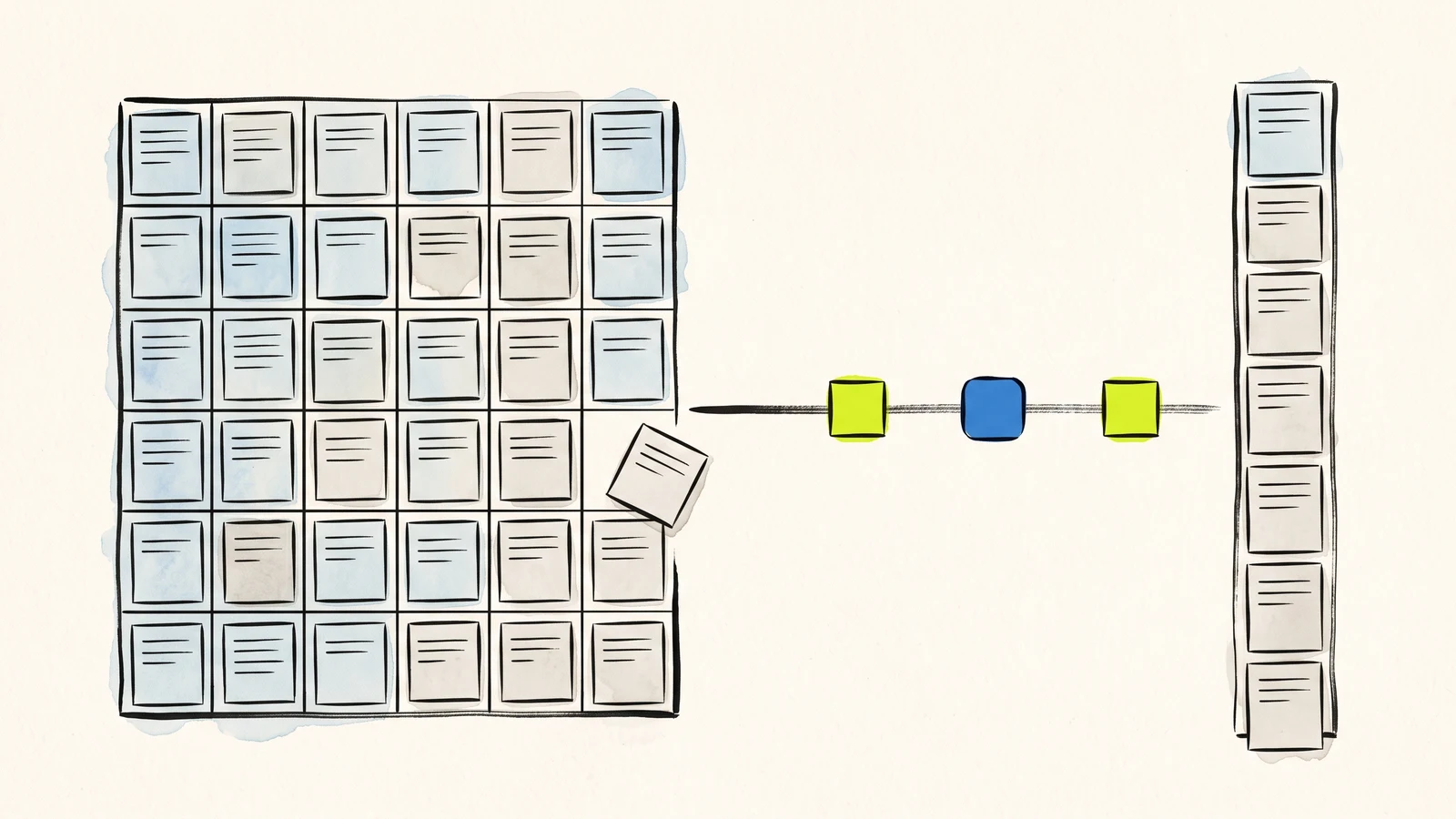
A JSON file per submission, or a read endpoint over your records. The second one reads your Google Sheet, which means it sees the fixes you made by hand.

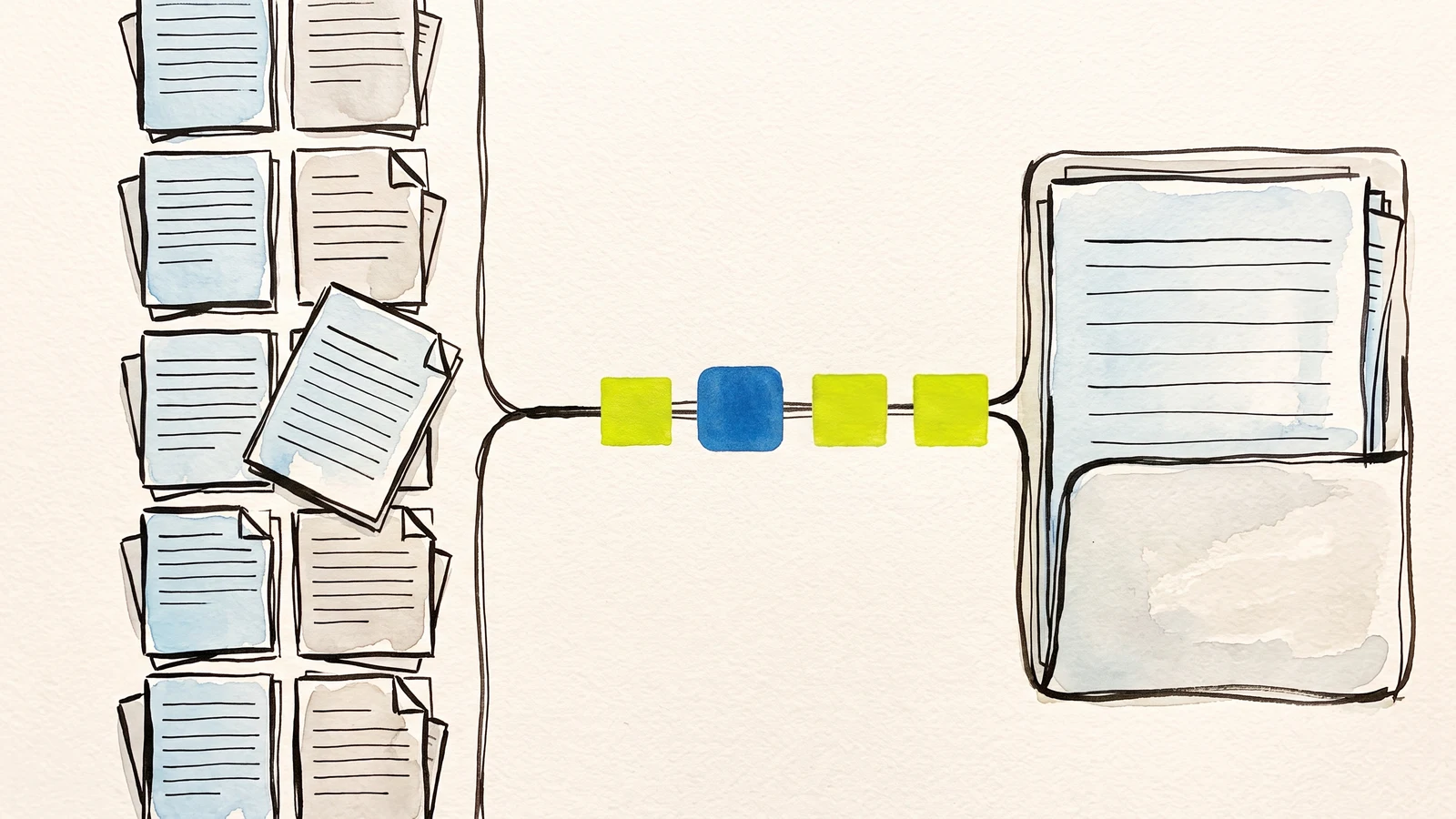
The file-request tools solve half of this. The other half is the form: the client stays on your page, answers your questions, and the file arrives already filed against them.

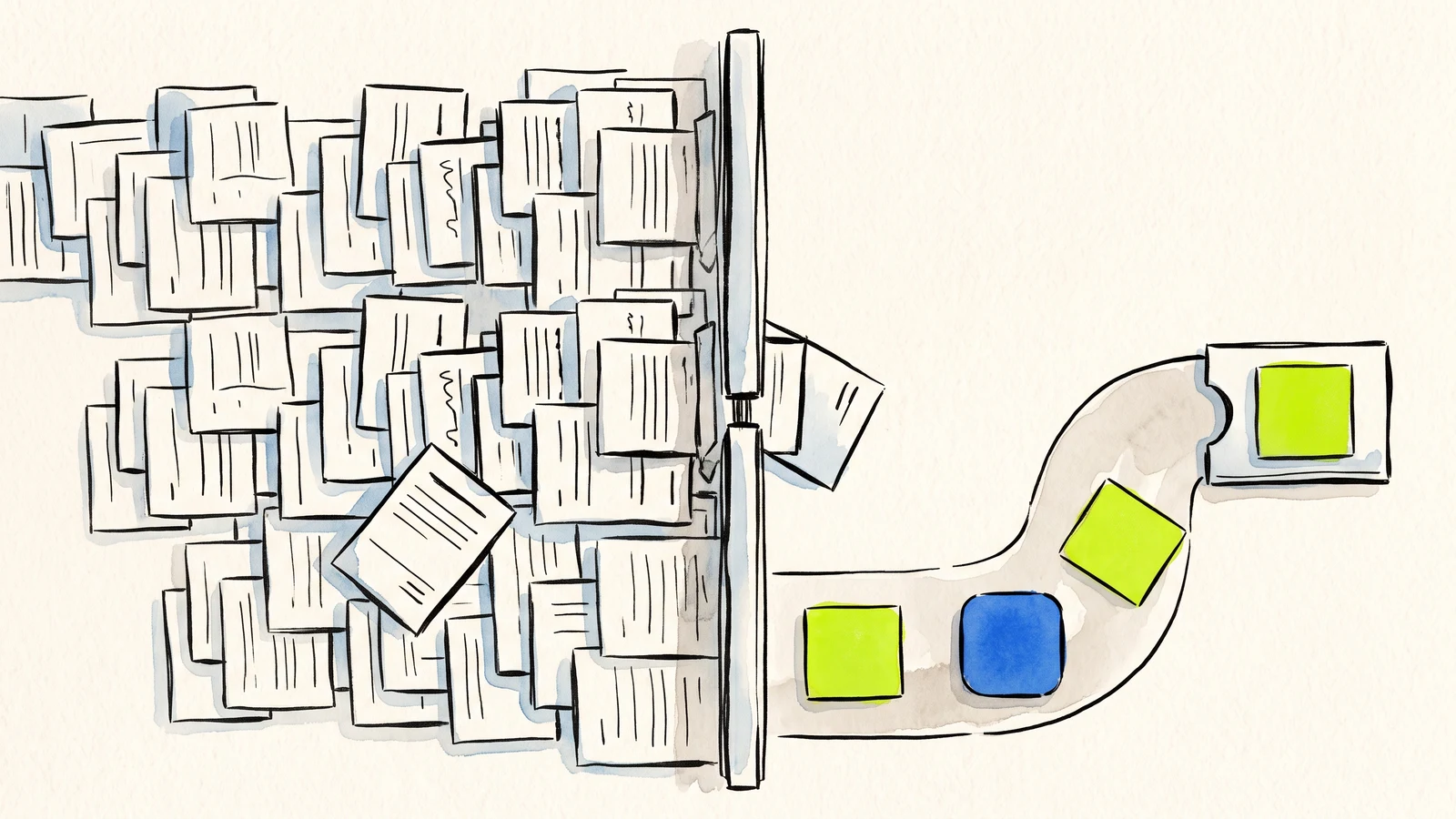
There is no setting. Here is why the requirement exists, which fixes are dead ends, and the question to ask before you pick a tool that promises to remove it.

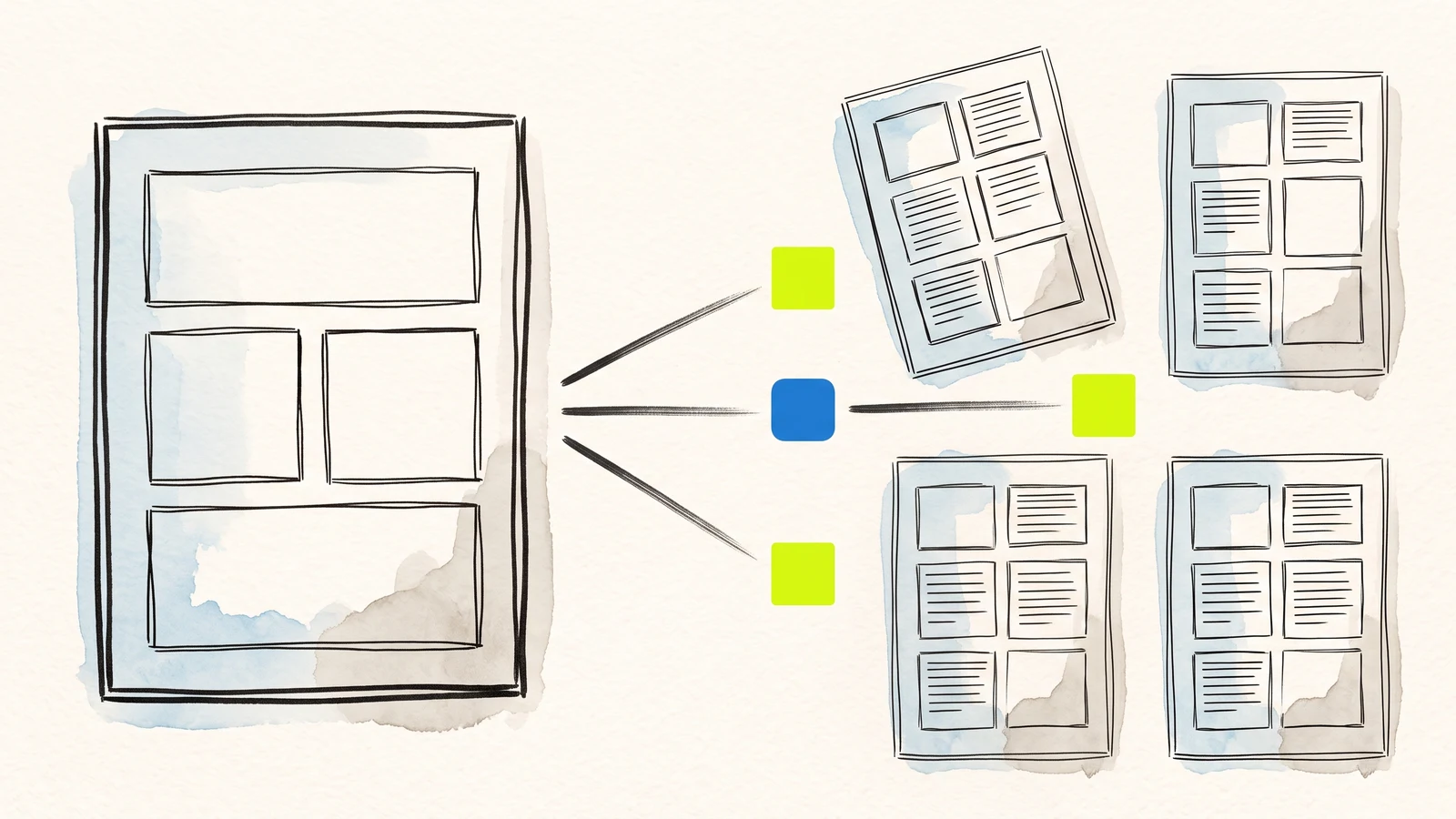
A template Doc with a placeholder per field, copied and filled once per response. Your form, your layout, your Drive folder.