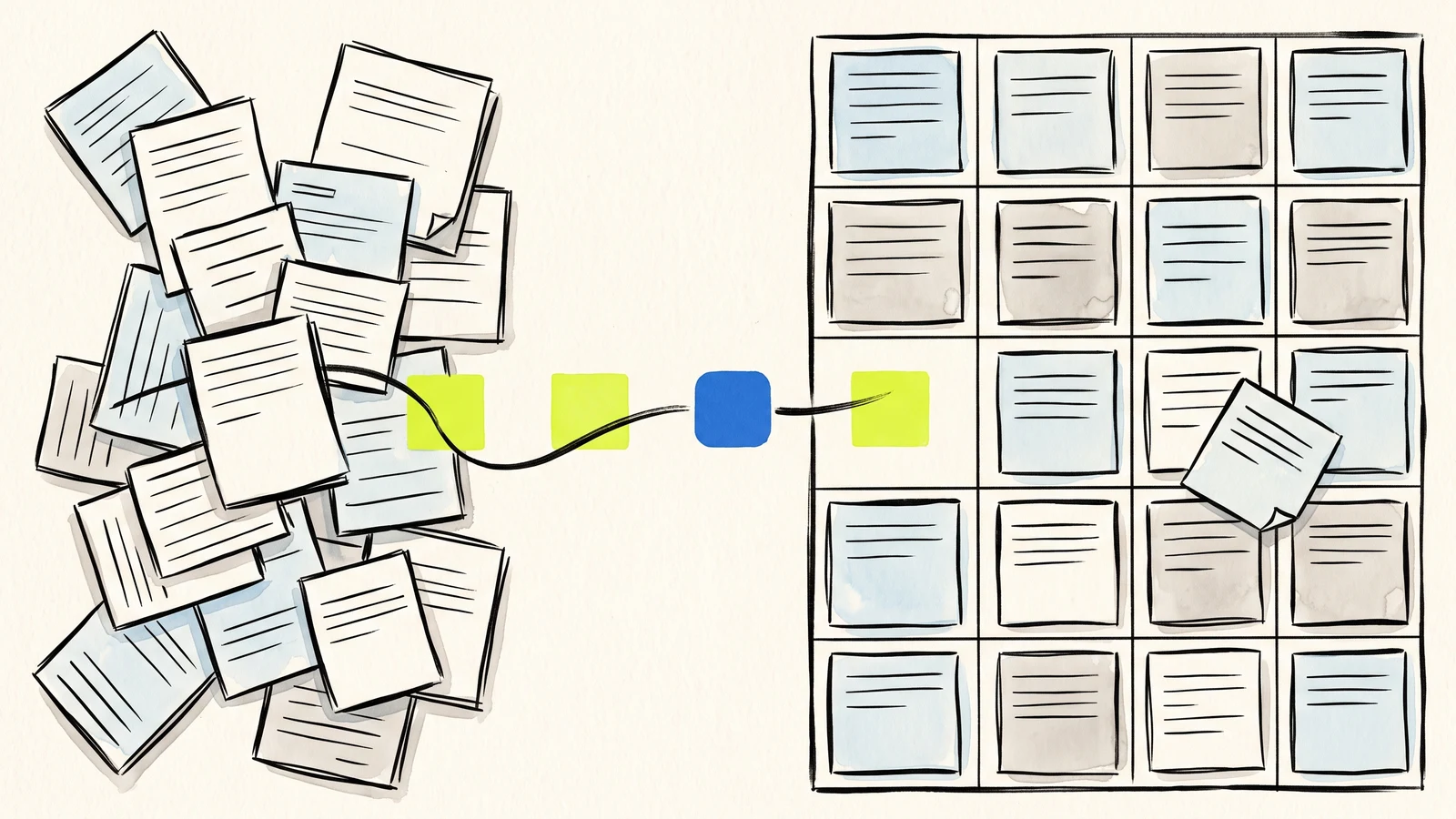
Organize before you automate
AI cannot reliably restore context that the form never collected or labeled.
Status, source, owner, and timestamps are as useful as the visitor's message.
Keep people responsible for decisions; use AI to accelerate review and drafting.
AI quality starts with intake quality
Many users discover the same problem when they try to use AI with public form data: the information is scattered. Some details are in email, some are in a spreadsheet, some are in a downloaded file, and some are still on the website.
Webtzm improves that starting point. The Webtzm delivery takes a public submission and turns it into configured Google outputs. The user can keep a row in Sheets, a Gmail copy for reply, a Doc or PDF for longer records, a JSON file for structured analysis, and uploaded files in Drive. Instead of chasing pieces, the user starts from a workflow that already groups the response.
This does not make AI automatic or magical. It makes the human's preparation easier. Clean intake gives the assistant clearer facts, field names, timestamps, and response groupings. That reduces the amount of explanation the user has to provide every time they ask for a summary or next-action list.
Ready-to-review is not a file format. It is a record that still makes sense when the original conversation is no longer in front of you.
Webtzm field note
Labels, field names, and status columns matter
A paragraph of raw text can be useful, but labeled fields are better. If a form has fields for topic, priority, event date, contact preference, upload type, and consent, the AI assistant can understand the shape of the request more reliably. The same is true for human reviewers. Good labels make scanning faster.
Webtzm users should design their forms around the decision they need to make. If a team needs to assign requests, include category and urgency. If a class needs attendance, include session and status. If a creator needs to judge fit, include budget range, deadline, and project type. The Webtzm delivery then preserves that structure in Google outputs.
Status columns are especially useful. A Sheet can add values like new, reviewed, replied, waiting, approved, or declined. Those labels help people manage work manually, and they also give AI a safer basis for summaries. Instead of asking an assistant to guess what happened, the user can ask it to summarize rows with a known status.
Each Google output supports a different kind of AI task
Google Sheets is usually best for sorting, filtering, counting, and grouping. It supports questions like: which topics are most common, which requests are urgent, which sessions are full, and which rows are missing a reply. Gmail copies support response drafting because the message is already close to the reply channel.
Docs and PDFs are useful when the submission has a longer narrative or needs to become a readable record. They help users review one complete request at a time. JSON is useful when the data needs to move into repeatable analysis or another workflow. Drive uploads matter when the form includes evidence, references, receipts, photos, or documents that should stay connected to the submitter.
A potential Webtzm user does not need every output on day one. The stronger approach is to choose the output that matches the job. A simple contact form may need only Sheets and Gmail. A file-backed request may need Drive too. A formal application may benefit from a Doc or PDF copy. A data-heavy survey may benefit from JSON.
Best for sorting, grouping, counting, statuses, and repeated review across many submissions.
Best when the next action is a personal reply or confirmation tied to the intake record.
Best for long narratives, formal applications, or a portable record reviewed one at a time.
Best for repeatable structured work and files that must remain connected to their submission.
Better organized data leads to better prompts
Once the data is organized, the user can ask more precise questions. Instead of "what should I do with these messages," they can ask "summarize the new volunteer sign-ups by availability," "draft replies for rows marked waiting," "identify the top five topics in this feedback sheet," or "turn these workshop registrations into a preparation checklist."
Those prompts work because the assistant can rely on structure. The row tells it who submitted, when they submitted, what they chose, what they wrote, and what status the team assigned. The user can still review the output, but the first draft is grounded in a clearer source.
This is where Webtzm helps people who are already experimenting with AI. It does not try to replace their preferred assistant. It prepares the intake layer so Gemini, ChatGPT, or another assistant can work with cleaner material.
Human review remains the important step
Organized intake should make decisions easier, not invisible. A Sheet row can be wrong, a visitor can submit incomplete information, and an AI draft can miss tone or context. Webtzm's value is that it helps the human reviewer see the record and decide what to do next.
A practical workflow keeps the source records in Google, uses AI for drafts and summaries, and lets the owner approve actions. That is enough to save time without giving up judgment. For many users, this is the right balance: public forms stay easy to publish, submissions become structured, and AI becomes a helper working from better inputs.
Preserve the submitted values and related files in Google.
Summarize, classify, or draft from fields with clear meaning.
Let a person approve the reply, status, or next step.
Give your AI workflow better records to work from.
Start with a form whose submissions are currently scattered. Shape one reliable Google record before adding more automation.
Create an organized intake →Frequently asked questions
Why does an assistant give vague answers about my form data?
Usually because the fields are inconsistent. Free text where a fixed choice belongs, missing timestamps, and renamed columns all remove the structure a summary depends on.
Which fields matter most?
A stable identifier, a timestamp, the source page, and a status. Those four let any later question be grounded in when something arrived, where it came from, and whether a person has dealt with it.
Should the assistant decide anything on its own?
No. Keep a status column a person owns. The useful pattern is that assistance drafts and groups while a human approves, which also leaves a record of who decided what.
Does adding structure mean asking visitors more questions?
Usually the opposite. Most of the structure worth having - time, source, identifier, status - is added on the way through rather than asked for on the form.