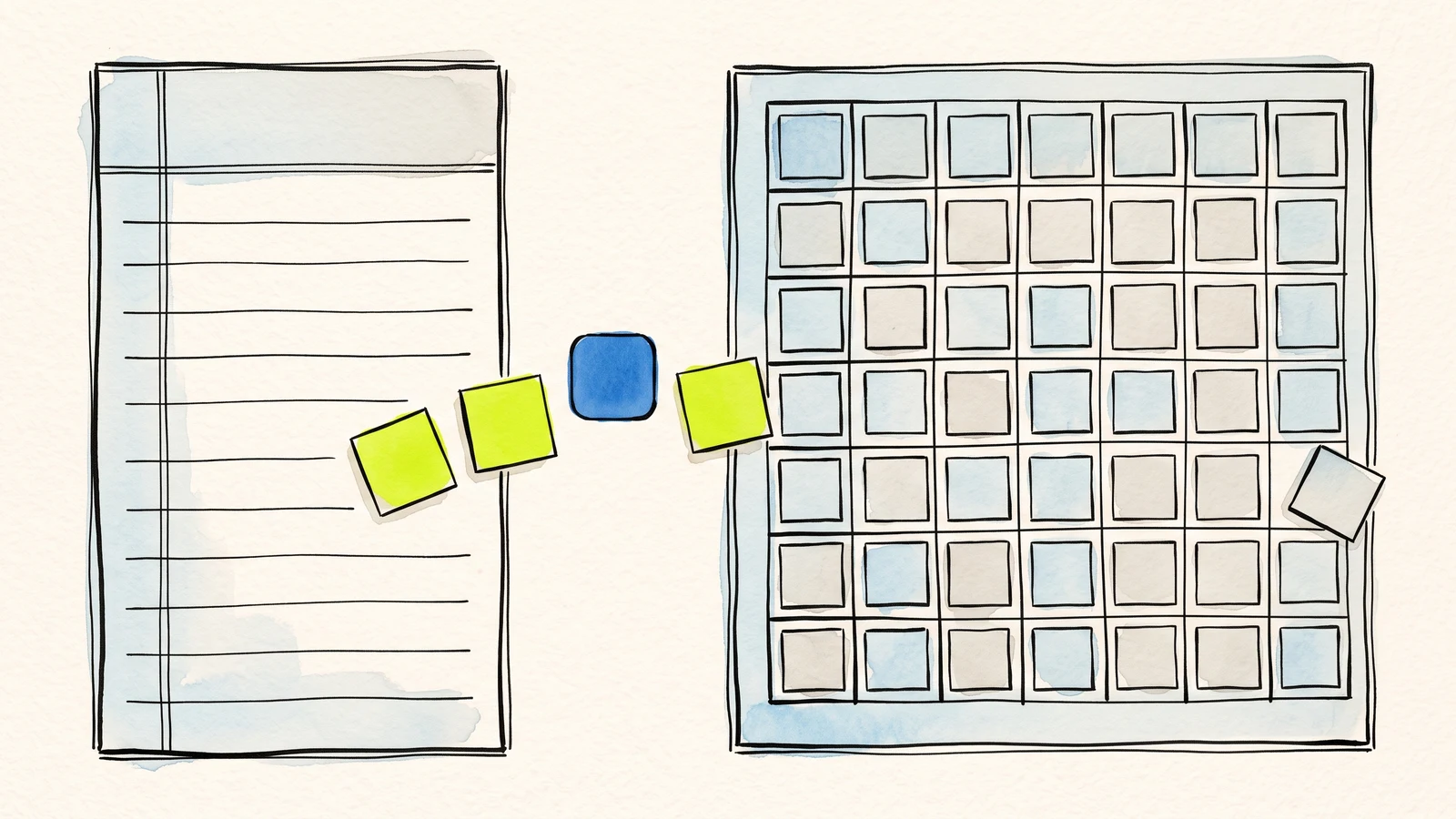
What you will take away
A useful workflow starts by designing the destination row, not by adding fields at random.
The Webtzm delivery keeps public visitors away from private Google files while preserving context.
Consistent columns, statuses, and record formats make AI assistance safer and more useful.
Why Google Sheets is still the first useful destination
For many potential Webtzm users, Google Sheets is the moment a form becomes operational. A row has a timestamp, a sender, a topic, a message, a status, and whatever custom fields the workflow needs. That structure is easy to scan, filter, and share without introducing another inbox.
The problem is not creating a form. Most website builders, AI page generators, and static pages can display fields and buttons. The problem is what happens after a visitor clicks submit. Without a reliable destination, the owner ends up copying emails, pasting messages, downloading files, or losing context. Webtzm is designed to close that gap by acting as the Webtzm delivery between the public page and the user's Google outputs.
That matters for SEO pages and landing pages too. A fast static article, service page, portfolio, or campaign page should not need a custom API just to collect a lead or request. Webtzm lets the page stay focused on content while the form action points to a managed intake path.
A form becomes valuable when every response arrives with a clear place, shape, and next action.
Webtzm field note
What the Webtzm delivery does for a public form
The Webtzm delivery is the public-facing Webtzm concept for accepting, protecting, organizing, and delivering form submissions. A visitor does not need access to your spreadsheet or Drive folder. They only need the public form. The owner decides where accepted submissions should land and how they should be represented.
A basic workflow can create a Google Sheets row and a Gmail copy. A more complete workflow can also create a Google Doc for longer submissions, a PDF copy for records, a JSON file for structured analysis, and a Drive upload when the form includes a file. The important point is that the intake is not trapped inside the website. It becomes a set of Google records that the owner can search, review, share, and export.
This is useful for contact forms, class registrations, quote requests, media submissions, application forms, volunteer sign-ups, meal orders, workshop attendance, and any repeatable public request. The same pattern scales from a personal project to a small organization because the owner can keep working inside Google tools they already understand.
A practical form-to-Sheets workflow
Start with the outcome: what should a useful row contain? A contact form may need name, email, topic, message, source page, and status. A workshop registration may need name, email, session, attendance count, dietary note, and consent. A request form may need priority, department, description, and upload reference. Thinking in rows first makes the public form clearer.
Once the fields are clear, the website can use a Webtzm form connection as the form action. The visitor submits the form from the public page. Webtzm accepts the response through the Webtzm delivery and prepares the configured Google outputs. The owner then reviews the Sheet, uses Gmail for follow-up, and opens Docs, PDFs, JSON files, or Drive uploads when the workflow needs deeper context.
The key advantage is repeatability. The same fields arrive in the same order. The same types of submissions go to the same destinations. The same team members know where to look. That makes the workflow easier to trust than scattered messages across email, chat, and downloaded files.
Choose the columns and statuses that make a response useful after submission.
Send the public form through a Webtzm delivery without exposing the destination file.
Filter, assign, follow up, and add richer record formats only when they help.
What makes the output ready-to-review
Ready-to-review does not mean the AI makes every decision. It means the data is clear enough for an assistant to help. A clean Sheet gives an assistant column names, consistent values, timestamps, and status fields. A Gmail copy gives it message context. A Doc or PDF gives it a readable record. A JSON file gives it structured data for repeatable analysis.
With that foundation, a user can ask an assistant to summarize the week's submissions, group requests by topic, draft replies, flag missing information, prepare a shortlist, write a report, or extract next actions. The assistant still needs human review, but the user no longer starts from a pile of unorganized form messages.
This is especially helpful for people using AI-generated websites. AI can create the page, copy, and HTML form, but the page still needs a dependable place to send responses. Webtzm turns that generated form into a workflow that ends in Google records instead of a dead submit button.
Clear column names help people and assistants understand what each value means.
A timestamp, source page, and workflow status keep summaries grounded in the real process.
Owners can flag, correct, and approve records before using them in a wider AI task.
Sheets, Docs, PDFs, and JSON support different review tasks without losing the original submission.
The best next step for a potential user
Pick one real form, not every form at once. Choose a workflow where the same kind of submission arrives more than once: inquiries, sign-ups, orders, requests, applications, feedback, or uploaded files. Decide the fields, decide the Google output, and connect the form through Webtzm.
When the first few responses arrive, review the Sheet and adjust the fields. Add a status column if people need to track follow-up. Add Gmail copies if replies matter. Add Docs, PDFs, JSON, or Drive uploads when the workflow needs richer records. The goal is not complexity. The goal is an intake path that is simple enough to use every week.
Start with one form that deserves a better destination.
Map its useful fields, choose a Google output, and let the first real submissions show you what the workflow needs next.
Build your first Webtzm delivery →Frequently asked questions
Can an HTML form write to Google Sheets without a backend?
Yes. Your form posts to Webtzm, which is authorized against your Google account under a narrow Google API scope called drive.file, limited to files Webtzm itself creates and never your existing Drive, and appends the row for you. You maintain no server code and no OAuth flow of your own.
Do visitors need a Google account to submit the form?
No. Visitors only ever see the form on your page. The Google authorization belongs to you, the owner, and is never exposed to the person submitting.
Can someone find my spreadsheet from the form?
No. The page carries a form connection, not the file. The destination is resolved on the server after the submission is accepted, so the spreadsheet identifier never appears in your public HTML.
What happens to a submission if Google is unavailable?
The submission is accepted and stored first, then delivered. If Google refuses or times out, delivery is retried and the submission shows as still in delivery rather than being lost.
Will the columns stay in the same order?
Yes. The workflow writes the fields you configured, in that order, for every submission. That is what makes the sheet filterable and safe to build follow-up work on.